ytunlock.com is one of the most powerful tools available for creators who want to grow their social media following organically — but like any tool, the results you get depend entirely on how you use it. Whether you're a YouTube creator, a Telegram channel owner, or an Instagram influencer, these 10 battle-tested tips will help you maximize your conversions, grow faster, and get the most out of every single link you create.
Gate Your Best Content — Not Your Average Content
The single biggest mistake creators make is putting sub-to-unlock gates on mediocre content. Your unlock link is a deal: the visitor completes an action in exchange for accessing something valuable. If the reward feels weak, they'll bounce before completing the steps.
Reserve ytunlock links for your best content — exclusive tutorials, premium downloads, private group invites, winning giveaway entries, or early access to something your audience genuinely wants. The higher the perceived value, the higher your conversion rate.
Stack Multiple Platform Actions on One Link
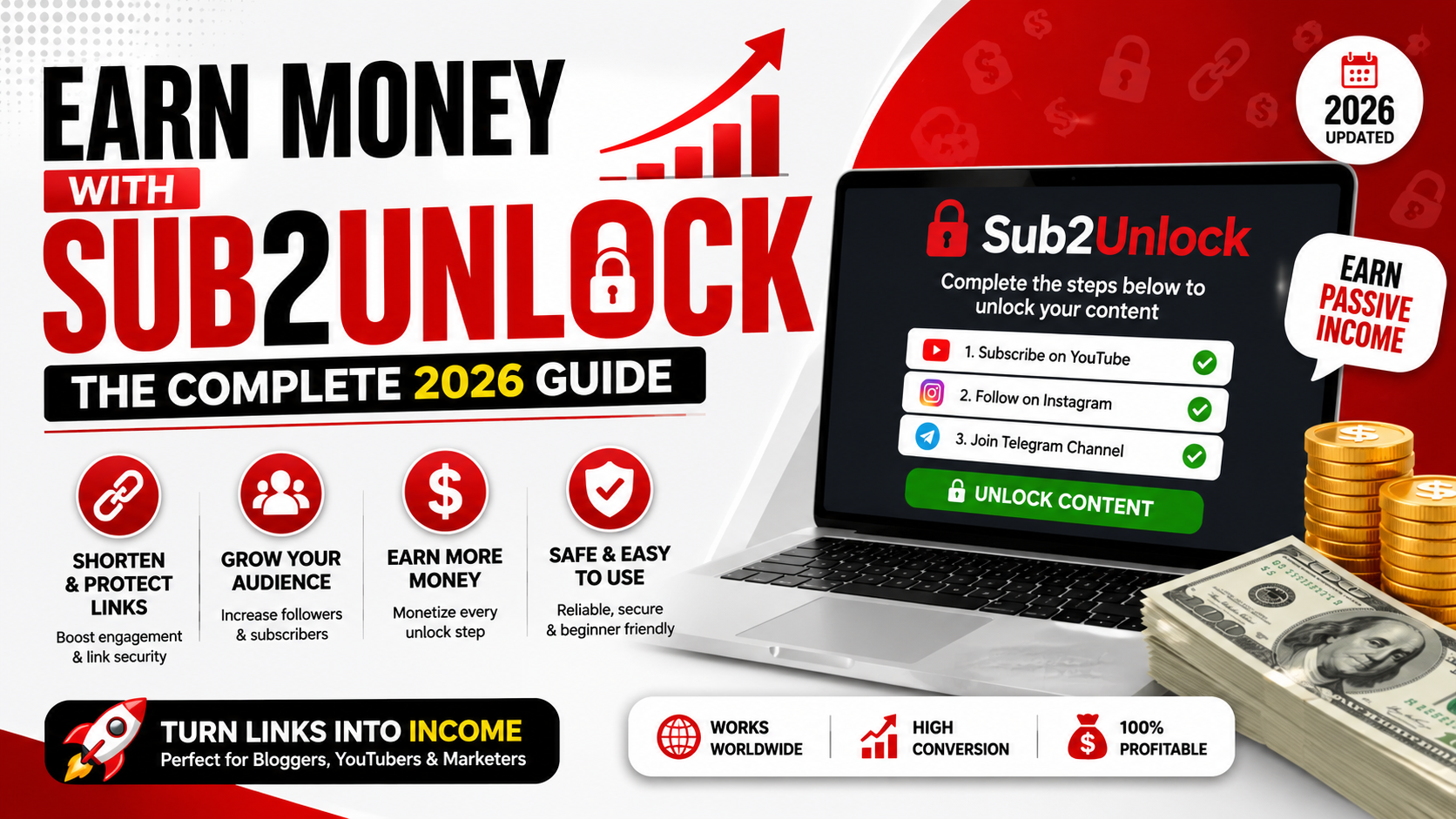
One of ytunlock's most powerful features is the ability to require actions across multiple platforms simultaneously. Instead of creating a separate link for YouTube and another for Instagram, combine them into a single unlock page.
A visitor who completes a YouTube subscribe + Telegram join + Instagram follow in one session is giving you three followers for the price of one piece of content. This is how top creators grow multiple channels in parallel without burning extra budget.
Use a Custom Alias for Branded, Trustworthy Links
When generating a link, ytunlock gives you the option to set a custom alias (e.g., ytunlock.com/unlock/your-name). Always use this instead of a random string. Branded links look more professional, build trust, and make people more likely to click and follow through.
Write a Clear, Compelling Link Title and Description
When someone lands on your unlock page, the title and sub-description are the first things they see. These tell them exactly what they're unlocking and why it's worth completing the required steps.
Be specific. "Unlock the download link" is weak. "Unlock the full tutorial PDF + bonus checklist" creates instant curiosity and urgency. Treat the title like a headline — it should sell the value of what's behind the gate in one line.
Promote Your Link Everywhere — Not Just One Platform
Many creators share their ytunlock link once in a YouTube video description and call it done. That's leaving a huge amount of growth on the table. The more entry points your link has, the more conversions you'll get.
Add your link to: YouTube video descriptions, pinned comments, Instagram bio, Telegram channel posts, Twitter/X posts, Facebook groups, Reddit threads, WhatsApp broadcasts, and Discord server announcements. Each additional placement multiplies your reach without any extra effort on the creation side.
Monitor Analytics & Kill What Isn't Converting
Registered ytunlock users get access to a full analytics dashboard showing views, unlock rates, and which platforms are being completed most. This data is gold. Check it weekly and act on it.
If your Telegram action has a 90% completion rate but your Discord action drops off sharply, your audience doesn't use Discord. Remove it, replace it with a platform they're already on, and watch your overall conversion rate climb. Data-driven creators always outgrow gut-feel creators.
Time Your Promotions Around New Content Drops
The best time to share a ytunlock link is immediately after publishing new content when your audience's excitement is highest. Announce your new video, post, or download and attach the unlock link as the gateway to bonus material or an extended version.
For example: "I just dropped a new tutorial — subscribe to my Telegram to get the full resource pack I mentioned in the video." This creates a natural, seamless call-to-action that doesn't feel forced, and your audience already trusts you because they just consumed your content.
Use Scarcity & Urgency in Your Messaging
Human psychology responds strongly to scarcity and deadlines. When promoting your unlock link, add language that creates a sense of urgency: "Only available for the next 48 hours", "First 500 subscribers get access", or "Limited spots remaining."
Even if the content isn't truly limited, framing it this way dramatically increases the click-through rate. Pair this with a clear reason why the content is valuable right now — tie it to a trending topic, a live event, or a seasonal moment to maximize relevance.
Create Multiple Links for Different Audience Segments
Don't treat your entire audience as one block. A creator with a YouTube channel, a Telegram channel, and an Instagram account likely has different audiences on each platform with different interests. Create separate ytunlock links tailored to each segment.
Your YouTube audience might respond to a "subscribe & download the resource" offer, while your Telegram audience might prefer "join our VIP group for early access." Personalization dramatically improves conversion rates because the offer feels relevant to where the visitor is coming from.
Rotate Your Offers Regularly to Keep Audiences Engaged
Audiences get accustomed to patterns. If you've been running the same unlock offer for three months, the people who wanted it have already converted — and everyone else has tuned it out. Refresh your content and offer every 4–6 weeks.
Create new unlock links pointing to new, fresh content. Announce the refresh on all your platforms. Returning visitors who didn't convert the first time will often convert on a second or third exposure when the offer is different and new. This keeps your growth engine running continuously rather than peaking and flatlining.